Hostinger vs Bluehost: Which Is Better for Beginners?
Hostinger and Bluehost are two of the most popular hosts for new bloggers. Both are cheap to start. Both work with WordPress. So which one should you pick?
This guide compares them in plain words. It focuses on what matters to a beginner. Prices and offers change often, so always check the live price on each site before you buy.
Quick answer
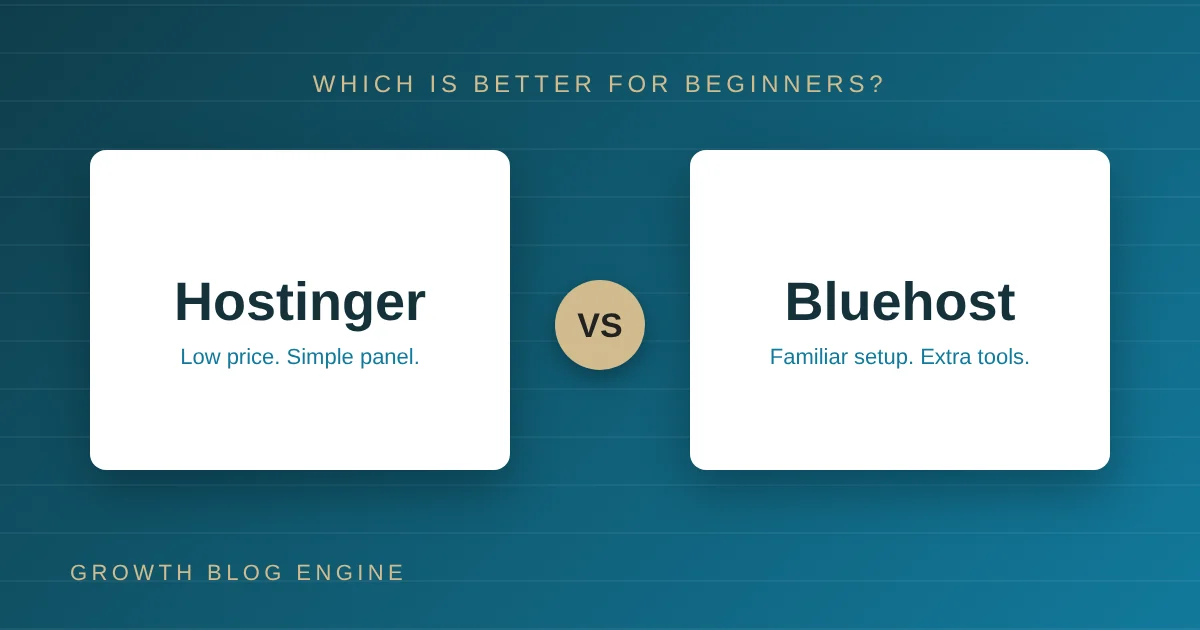
Choose Hostinger if you want a low price and a simple dashboard. Choose Bluehost if you want a very familiar WordPress setup and do not mind paying a bit more. For most beginners on a budget, Hostinger is the better start.
Side by side
| Feature | Hostinger | Bluehost |
|---|---|---|
| Starting price | Usually lower | Usually a bit higher |
| Control panel | hPanel. Simple and modern | Own dashboard. Guided for WordPress |
| WordPress install | Quick setup in hPanel | Quick setup during signup |
| Free domain | On many longer plans | On many plans for the first year |
| Speed tools | Built in caching | Caching and CDN options |
| Support | Live chat | Chat and phone |
| Best for | Budget bloggers | Beginners who want hand holding |
Plans change. Check each site for the current details.
Price
Both hosts show a low first price. Both raise the price when you renew. This is normal in hosting. The first term price is not what you pay forever.
Hostinger is usually cheaper at the start. The longer the plan you pick, the lower the monthly cost. Bluehost is often a little higher, but it includes a few extras that may suit you.
Tip: Look at the renewal price before you buy. Then decide.
Ease of use
Hostinger uses hPanel. It is clean and easy to learn. The menus are clear. You can install WordPress in a few clicks. See our guide on how to install WordPress on Hostinger.
Bluehost walks you through setup as you sign up. It feels very guided. Many people like that. The dashboard has more options, so it can feel busier.
Speed and performance
Speed matters for readers and for Google. Both hosts are fine for a new blog. Hostinger uses fast server tech and built in caching on its plans. Bluehost offers caching and a CDN option too.
Your theme, images and plugins matter just as much as your host. Keep your blog light. Use small images and few plugins.
Support
Hostinger has live chat and a large help library. Bluehost offers chat and phone. If you like to talk to a person, Bluehost may feel safer. If you are happy with chat, Hostinger is enough.
Free domain and extras
Both hosts offer a free domain on some plans. Read the fine print. Some offers apply only to the first year. Some need a longer plan. Renewal for the domain costs normal price after the first year.
Which one should you choose?
Pick Hostinger if
- You want the lowest price to start
- You like a clean and simple dashboard
- You are happy to learn as you go
Pick Bluehost if
- You want a guided setup from the first click
- You like having phone support
- You are fine paying a little more
Our pick for most beginners
For most new bloggers, we suggest Hostinger. The price is easier on a new budget. The setup is simple. And you can grow with it. Read more in our beginner hosting guide.
Next steps
- Pick your host
- Check your domain with our domain name checker
- Install WordPress and write your first post
- Test the post with our free SEO audit tool
Disclosure: Some links on this site are affiliate links. We may earn a commission at no extra cost to you. Read our affiliate disclosure. Prices and features can change. Check each host for current details.
Check your domain name
Is the name you want still free? Check it in seconds with our free tool.
Use the free domain checker